
National Weather Service
New to this? What the instructions mean
Click means select with your mouse (or tap on a touch screen). Row menu means the small actions menu beside an item in a list. Drop-down means a box you click to choose an option. Drag and drop means hold the mouse button on an item, move it, then release.
CMS is your online screen-control system. Display means a managed screen. Publish makes a layout ready to play. Schedule chooses the screens and times.
Some buttons depend on your version and permissions. If your screen looks different, ask your administrator or get help.
This is a detailed reference page. If you are just getting started, show your first image first.
Help US citizens to prepare for extreme weather events by showing weather forecasts with real time data about severe weather, water and climate events. Raise awareness for potential hazards across your Screen Moove Display network using data from the National Weather Service (NWS).
Overview
- National Weather Service Connector uses data from the provided NWS Atom URL feed.
- Can be used with the default URL for the NWS Atom Feed or a custom Atom Feed format URL can be provided.
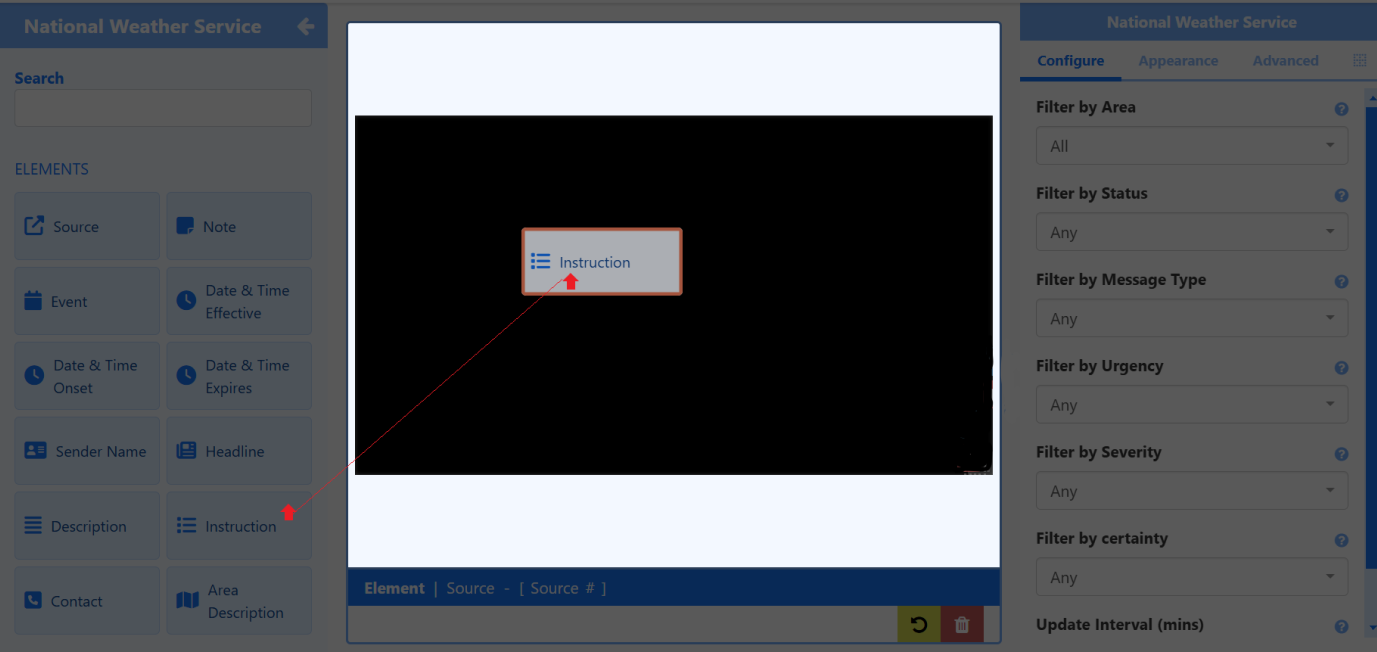
- Add from a variety of Elements to tailor visual representations in the Layout Editor for maximum impact.
- Use industry standard filters to tailor messaging from returned data.
- Show multiple weather alert messages with data cycling from the NWS Atom Feed.
- Set Criteria when Scheduling to determine if the weather alert should be included in the Schedule Loop for supported Players.
Further Reading
Need a hand with your displays?
Talk to Screen Moove →